
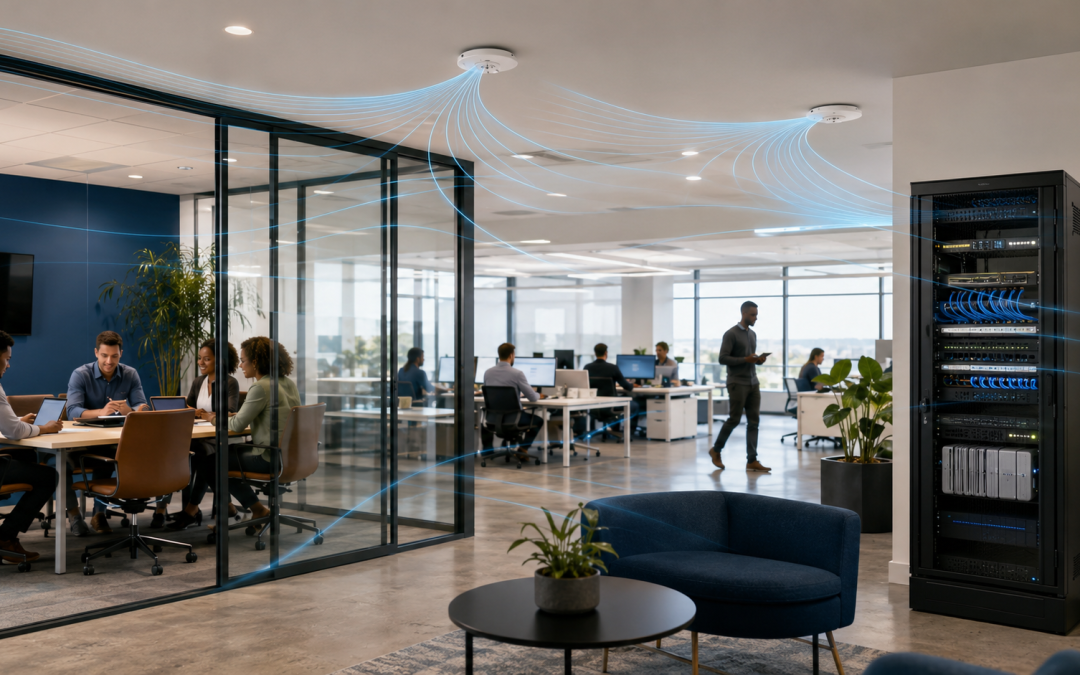
A fast internet package does not guarantee fast office Wi-Fi. Fibre may reach the router at full speed while staff experience dropped calls, slow cloud applications and dead zones. Wi-Fi is a shared radio system, so layout, interference, capacity and configuration all influence the result.
1. One access point is serving too much space
A consumer router in a storeroom cannot reliably cover offices, meeting rooms and multiple floors. Walls, concrete, metal shelving and tinted glass reduce signal strength. The correct solution is usually several properly placed wired access points, not maximum transmit power.
2. Access points are badly positioned
Placing equipment inside cabinets, above metal ceilings or at one end of the building creates uneven coverage. Access points should be positioned from a measured design that considers where people and devices actually work.
3. Too many devices share one radio
Every phone, laptop, printer, camera and smart device competes for airtime. Even low-bandwidth devices consume management capacity. Business Wi-Fi must be designed for device density as well as floor area.
4. Channel interference
Nearby networks and overlapping access points can use the same channels. Automatic settings are helpful but not always sufficient in busy commercial areas. A survey can identify congestion and guide channel width, frequency and placement decisions.
5. Old client devices
Legacy devices may connect at slower standards and consume disproportionate airtime. Inventory old laptops, handheld terminals and IoT equipment before blaming the provider connection.
6. Wireless extenders
Consumer repeaters often retransmit traffic over the same radio, reducing usable capacity and creating roaming problems. Wired access points with central management provide a stronger foundation.
7. Poor roaming
Users walking between rooms may remain attached to a distant access point. A coordinated system can assist roaming, but device behaviour, signal overlap and configuration must all be tuned.
8. Guest traffic competes with operations
Guest Wi-Fi should be separated from business systems and controlled with sensible limits. This protects security and prevents large downloads from affecting payment systems, voice or cloud applications.
9. Upload saturation
Cloud backup or camera uploads can fill the upstream connection and make every user feel slow. Monitor both upload and download utilisation and prioritise important traffic.
10. Outdated firmware
Old access points and routers can contain bugs or security weaknesses. Maintain supported equipment, controlled updates and configuration backups.
11. Cabling or switch problems
An access point connected through damaged cable or a slow switch port cannot deliver expected performance. Test the wired path, power delivery and negotiation speed.
12. No monitoring
Without central visibility, IT teams cannot easily see client counts, signal quality, retransmissions or access-point health. Managed monitoring turns complaints into measurable evidence.
The right fix
Start with a site survey and usage review. Measure coverage, interference, device density and wired infrastructure. Speedinet can design managed Wi-Fi with suitable access-point placement, guest separation, security policies and ongoing monitoring.
Request a Speedinet Wi-Fi and network assessment before buying another extender.