
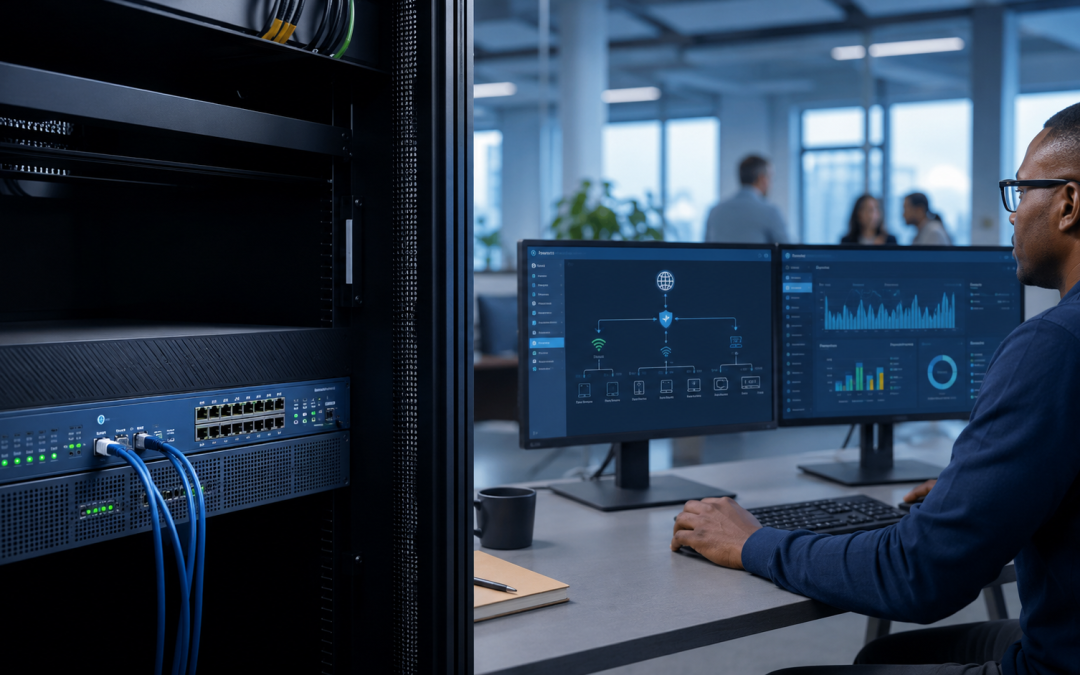
A basic router connects devices to the internet, but a business firewall should enforce security policy, separate networks, control remote access and produce useful visibility. Buying capable hardware is only the beginning; configuration, monitoring and maintenance determine whether it reduces risk.
Router versus firewall
Many routers provide network address translation and simple inbound blocking. A business firewall can add application-aware policies, intrusion prevention, web or DNS controls, VPN, network segmentation, reporting and coordinated threat updates. Features vary by platform and licence, so requirements should be defined before products are compared.
Segment the environment
Staff devices, servers, guest Wi-Fi, cameras, phones and building systems should not automatically share unrestricted access. Segmentation limits unnecessary communication and can reduce the impact of a compromised device. Rules should allow required business traffic and deny avoidable pathways.
Secure remote access
Exposing desktop or management services directly to the internet creates unnecessary risk. Use a supported VPN or modern controlled-access approach with strong authentication and limited permissions. Remove access when it is no longer needed and review logs for unusual activity.
Control outbound traffic
Security is not only about blocking unsolicited inbound connections. Malware and compromised accounts communicate outward. DNS security, application controls and sensible egress policies can help detect or prevent suspicious destinations while maintaining business usability.
Protect business applications
Prioritise voice, payment and cloud traffic where appropriate. Restrict administrative interfaces to trusted sources. Public services require specific design, patching and monitoring rather than a broad port-forwarding rule created for convenience.
Keep software current
Firewall vulnerabilities are serious because the device sits at a network boundary. Maintain supported firmware, review vendor advisories and back up configuration before controlled updates. Replace end-of-life equipment that no longer receives fixes.
Monitor and respond
Logs should be retained and reviewed at a level appropriate to business risk. Monitor availability, resource use, blocked threats, VPN events and configuration changes. Define what creates an alert, who investigates it and how serious events are escalated.
Avoid common mistakes
- Leaving the default administrator password unchanged.
- Allowing management access from anywhere.
- Keeping temporary rules permanently.
- Using one flat network for every device.
- Ignoring licence expiry or failed updates.
- Never testing configuration restoration.
What managed means
A managed firewall service should include documented configuration, updates, monitoring, backup, change control and support. The provider needs to understand internet links, internal addressing, applications, Wi-Fi and continuity requirements. Reporting should translate technical events into useful business actions.
Speedinet can integrate firewall management with business connectivity, Wi-Fi, failover and IT support. Contact Speedinet for a network security assessment and managed firewall recommendation.