
Buying a laptop charger is more complicated than it should be, but it doesn’t have to be expensive. If you pop into a store and look at the USB-C plugs, you’ll see a sea of jargon like PD 3.1, USB PD, and GaN. My guess is you’d like to just grab a charger that works for your PC, phone, and other devices rather than take a class in charger naming conventions.
You don’t need to memorize every USB-C acronym to buy the right charger. For most laptops, a 65W charger gets the job done. If you have a more demanding PC or want to charge several devices at once, stepping up to 140W is a good option. Both types are on sale for Black Friday.
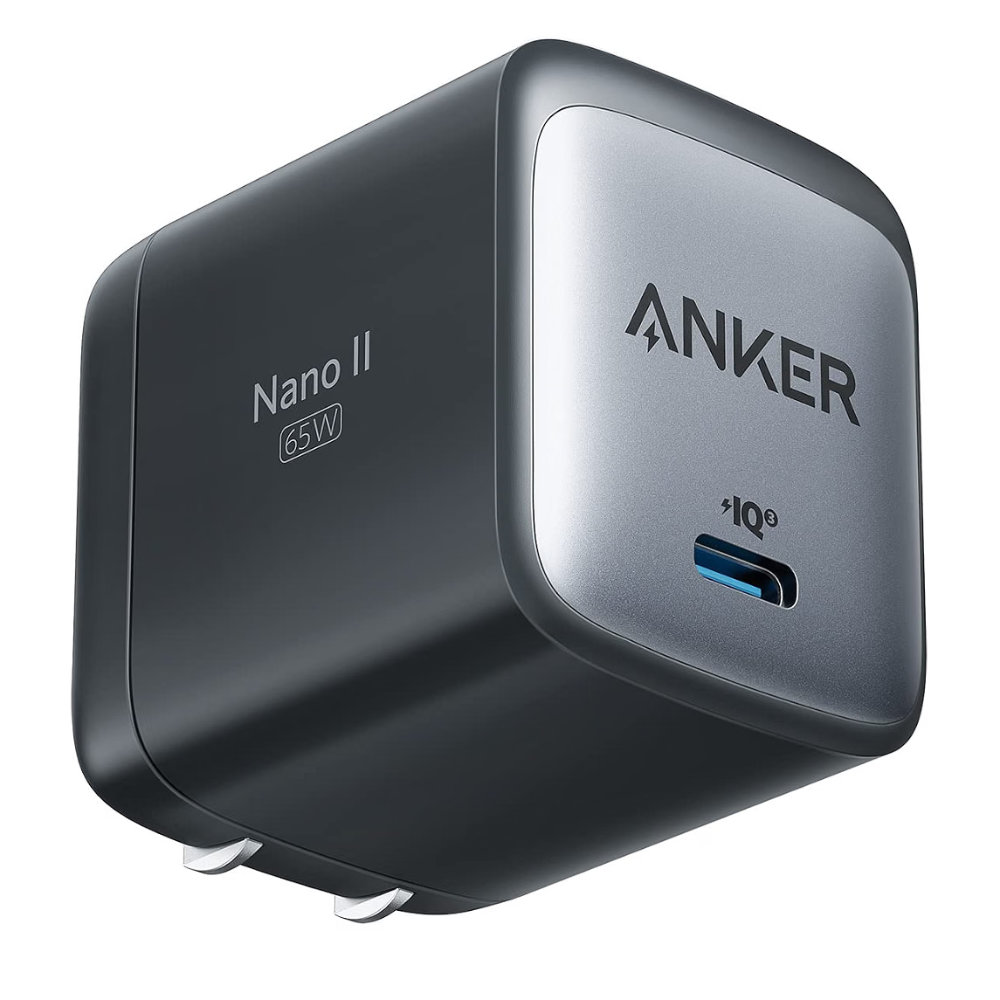
This compact 65W charger is small enough to toss in a backpack and powerful enough to charge most Surface devices, ThinkPads, XPS 13s, Zenbooks, and similar laptops at full speed.
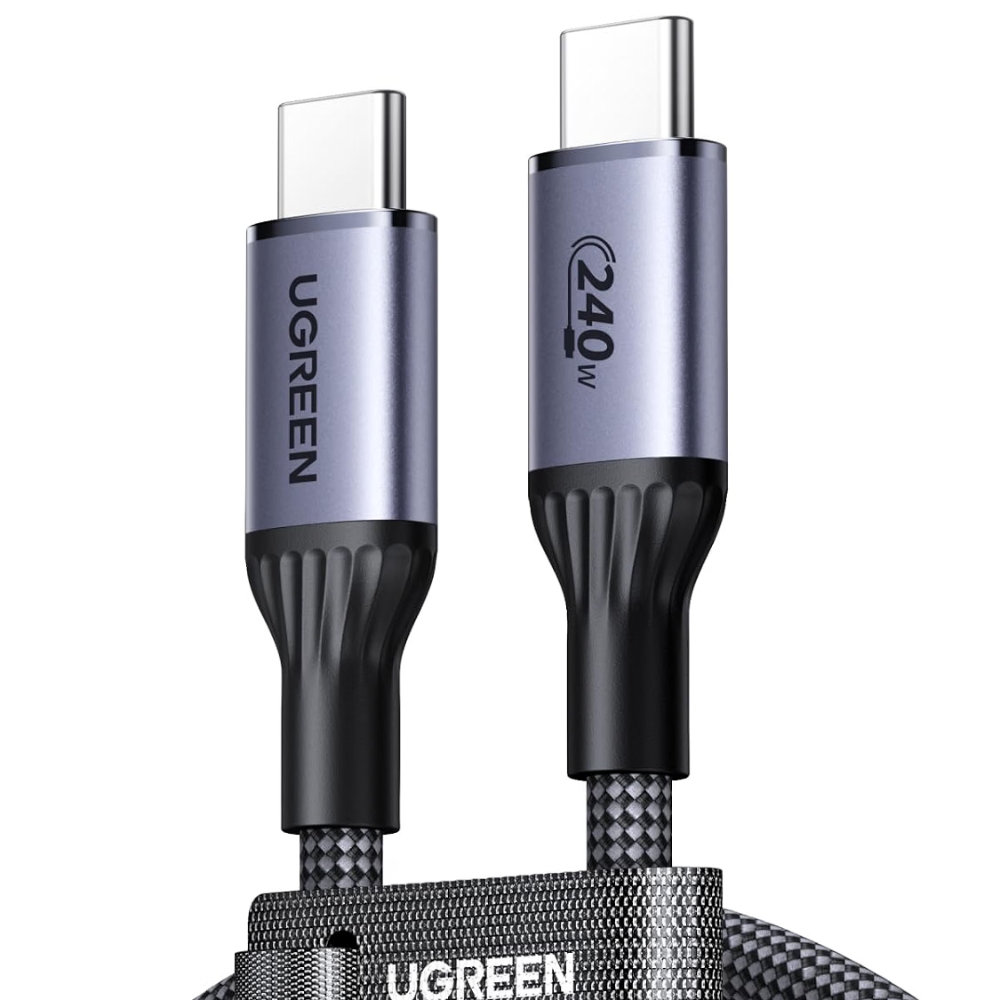 Best Cable
This cable supports up to 240W through USB Power Delivery 3.1, making it suitable for everything from ultraportables to high-performance laptops.
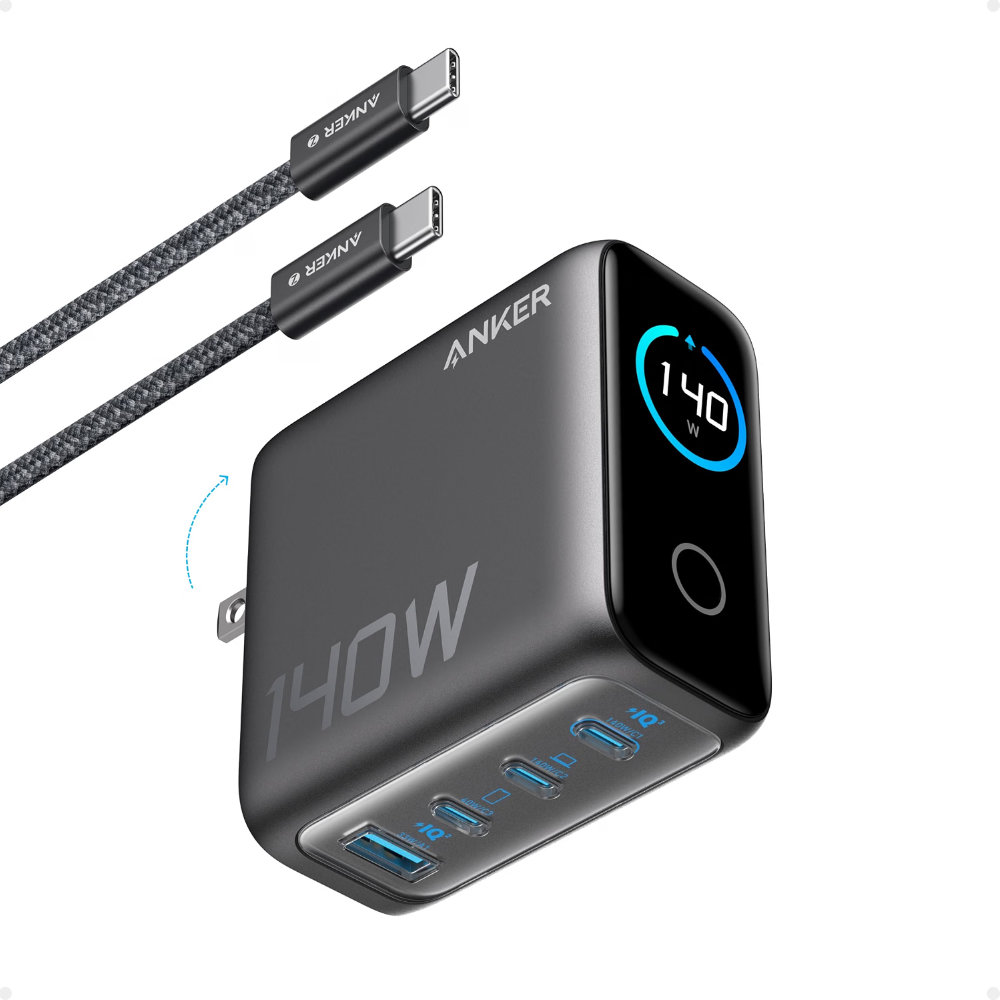 Best for powerful laptops
This 140W charger can power demanding laptops and multiple devices simultaneously. The built-in display also makes it easy to check how much power is being delivered in real time.
Which laptop charger should you buy?
The Anker 715 Nano II listed above can power most everyday laptops at full speed. The Anker 140W 4-port USB-C charger is a better fit if you have a more demanding laptop or want to charge several devices at the same time.
The UGREEN USB-C cable can quickly charge laptops, phones, and other devices as long as it’s plugged into an appropriate charging brick.
USB-C is supposed to make charging simpler, but terms such as USB PD, PD 3.1, and GaN often make buying a charger more confusing than it needs to be. If you’d like a deeper dive into what those labels actually mean, I put together a guide on how to pick the right laptop charger.

Join us on Reddit at r/WindowsCentral to share your insights and discuss our latest news, reviews, and more.